



Short answer: The TikTok Events API is a server-to-server integration that sends events like page views, add-to-carts and purchases directly from your server to TikTok, bypassing the Pixel's browser limits. Since the Pixel misses 30 to 40 percent of conversions to ad blockers and iOS restrictions, the Events API restores the signal TikTok needs to optimise.
TikTok's browser-based Pixel has the same fundamental problem as every other client-side tracking tag: it depends on the customer's browser to fire events. Ad blockers block it. iOS privacy restrictions limit it. Safari's Intelligent Tracking Prevention degrades its accuracy. And when the Pixel doesn't fire, TikTok doesn't know a conversion happened - which means your campaigns get no credit for it.
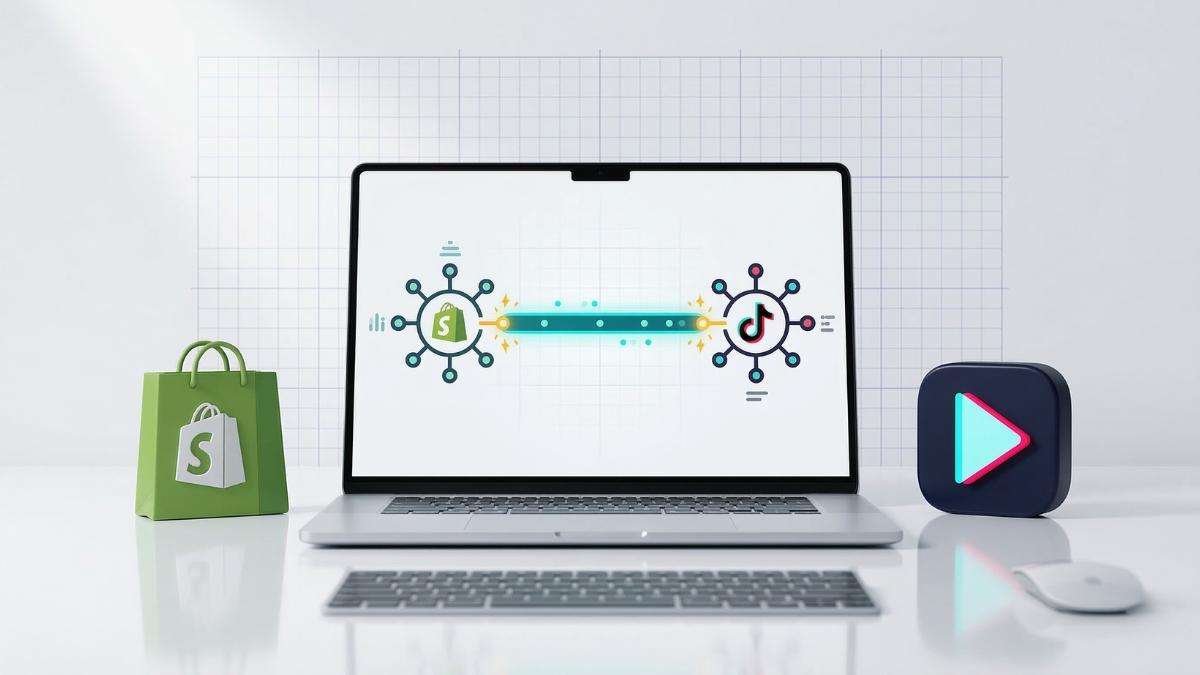
For Shopify stores investing in TikTok advertising, this matters. The TikTok Events API (also called the TikTok Conversions API or CAPI) is TikTok's server-side tracking solution. It sends conversion events directly from your server to TikTok - bypassing browser limitations entirely.
This guide covers how the TikTok Events API works, why it matters for Shopify campaign performance, and how to implement it correctly.
What Is the TikTok Events API?
The TikTok Events API is a server-to-server integration that lets you send web event data (page views, add-to-carts, purchases, and more) directly to TikTok from your server - without relying on a browser-side Pixel.
Unlike the TikTok Pixel, which runs JavaScript in the customer's browser:
-
Events API calls originate from your server (or TrackBee's infrastructure)
-
Browser conditions, ad blockers, and iOS restrictions cannot block server-side calls
-
Events arrive with richer first-party data for better user matching
-
Customer privacy controls don't prevent event delivery
The Events API is TikTok's recommended approach for accurate conversion tracking. It's the equivalent of Meta's Conversions API, Google's Enhanced Conversions, and Pinterest's Conversions API - all major ad platforms have moved toward server-side event infrastructure for the same reasons.
Why the TikTok Pixel Alone Isn't Enough
The TikTok Pixel is a JavaScript tag that fires in the customer's browser. It works well when browsers are cooperative - but increasingly, they're not.
Ad blockers Browser extensions like uBlock Origin and AdBlock Plus explicitly target TikTok's tracking script. Users with these extensions installed generate zero Pixel events, regardless of how many times they visit your store or purchase from you.
iOS App Tracking Transparency (ATT) On iOS devices, users who decline app tracking restrict TikTok's ability to match browser events to TikTok user identifiers. Your Pixel may fire the event, but TikTok can't attribute it to the customer who saw or clicked your ad.
Safari's Intelligent Tracking Prevention (ITP) Safari restricts third-party cookie access and limits first-party cookie duration to 7 days. This breaks multi-session attribution: a customer who clicks a TikTok ad and purchases 8 days later is invisible to the Pixel.
iOS 17 Link Tracking Protection
iOS 17 strips click-tracking parameters (including TikTok's ttclid) from shared URLs. If a TikTok ad link is shared or opened via iOS, the click identifier is removed before your Pixel sees it - breaking click-level attribution.
The result: TikTok sees only a fraction of your actual conversion events. Your campaigns show worse performance than they actually are. The algorithm optimizes toward the customers it can track - which isn't a representative sample of your actual buyers. This makes accurate tracking essential for any TikTok ad strategy - and particularly important when running UGC-based campaigns where creative testing depends on reliable conversion data.
How the Events API Improves Tracking on Shopify
The Events API doesn't eliminate all tracking limitations - some attribution gaps are inherent to cross-device journeys and privacy protections. But it recovers a significant portion of the conversions that browser-side tracking misses.

What the Events API recovers:
-
Conversions from customers with ad blockers (server-side calls are not blockable by browser extensions)
-
Conversions on iOS devices where ATT was declined (server-side events don't require device-level tracking permission)
-
Purchases that happen beyond the Pixel's cookie window (Events API events include email and phone identifiers for TikTok to match via its user graph)
-
Multi-session conversions where the TikTok click happened in a previous session
The dual-tracking approach: The most complete coverage comes from running both the TikTok Pixel (for real-time data and click-level attribution) and the Events API (for server-side event capture with enriched customer data) simultaneously - with event deduplication to prevent double-counting.
Pixel data arrives faster and captures click-level session data. Events API data is more complete, includes richer customer signals, and captures events that Pixel misses. Together they give TikTok a more complete picture of your buyers.
Events API Setup: What You Need
Before setting up the Events API, you need:
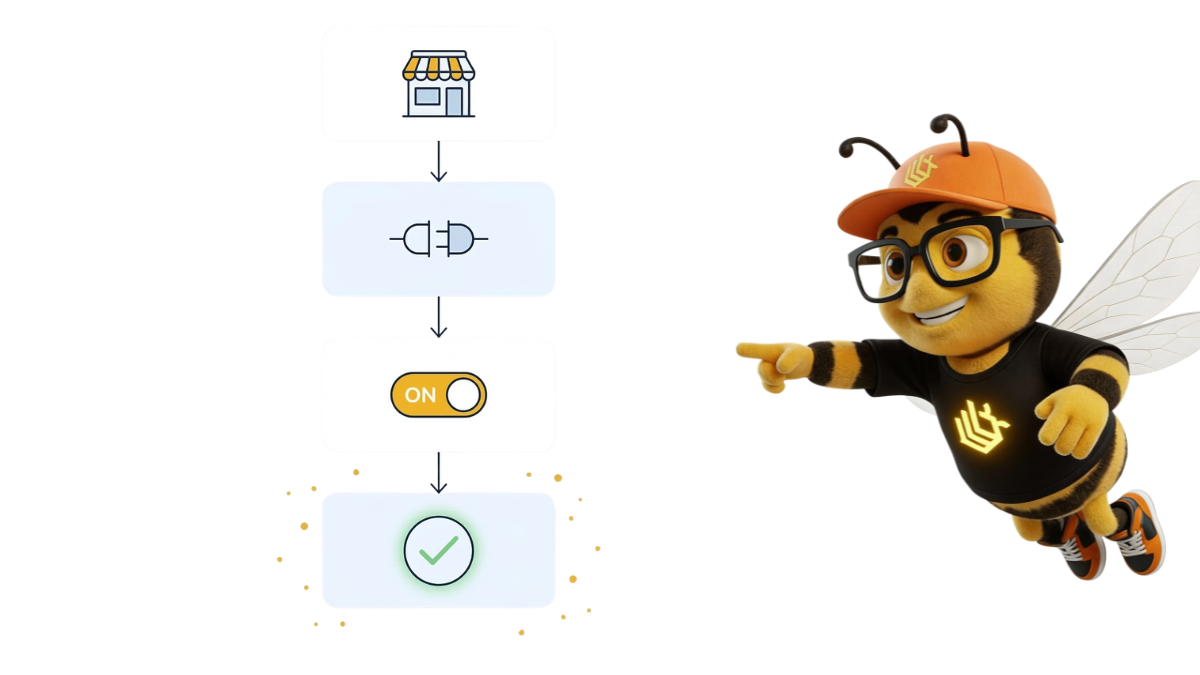
TikTok Business Center account Your TikTok Ads Manager account connected to a TikTok Business Center. Most advertising accounts are already under a Business Center - check your account structure if you're unsure.
TikTok Pixel ID Found in your TikTok Ads Manager under Assets → Events → Web Events. You'll need the Pixel ID to configure the Events API alongside your Pixel.
Events API access token Generate this in TikTok Ads Manager under Assets → Events → Web Events → your Pixel → Set Up Web Events → Events API. This token authorizes your server to send events to TikTok on behalf of your Pixel.
A server-side integration method You need something to actually send events from your server to TikTok's API. Options:
-
TrackBee (no-code, automatic - recommended for Shopify)
-
TikTok's official Shopify app (basic Events API integration)
-
Custom server-side implementation via TikTok's Events API documentation
Step-by-Step: Connecting TikTok Events API to Shopify
Option A: Via TrackBee (Recommended)
TrackBee handles the complete Events API integration automatically. No code, no custom server setup.

Step 1: Install TrackBee on your Shopify store Connect TrackBee to your Shopify store from the TrackBee dashboard. This takes approximately 5 minutes.
Step 2: Connect your TikTok account In TrackBee's platform settings, navigate to TikTok and authenticate with your TikTok Business Center account. Select the ad account and Pixel you want to connect.
Step 3: TrackBee configures the Events API automatically TrackBee begins sending server-side events to TikTok via the Events API. All standard Shopify ecommerce events (ViewContent, AddToCart, InitiateCheckout, Purchase) are sent server-side with enriched customer data including hashed email addresses and phone numbers.
Step 4: Configure deduplication (see below) Ensure your existing TikTok Pixel continues running for click-level attribution, with deduplication configured so TikTok receives the event once from each source (Pixel and Events API) but counts only one conversion.
Option B: Via TikTok's Official Shopify App
TikTok offers an official Shopify app that includes basic Events API support.
Step 1: Install the TikTok app from the Shopify App Store Search "TikTok" in the Shopify App Store and install the official TikTok for Shopify app.
Step 2: Connect your TikTok Business Center Follow the in-app authentication flow to connect your TikTok Business Center, ad account, and Pixel.
Step 3: Enable Enhanced Match In the TikTok app settings within Shopify Admin, enable "Enhanced Match" - this is TikTok's term for the first-party data matching that uses the Events API infrastructure.
Step 4: Verify in TikTok Events Manager In TikTok Ads Manager → Assets → Events, check the Events dashboard to confirm events are being received from both the Pixel (browser) and API (server) sources.
Event Deduplication: Avoiding Double-Counting
When both your TikTok Pixel and Events API send events for the same customer action, TikTok needs to count only one conversion - not two. This is event deduplication.
How TikTok deduplication works: TikTok uses a combination of event IDs and user identifiers to match Pixel events with Events API events for the same action. When two events match, TikTok counts the conversion once.
What you need to implement:
Include a unique event_id in both your Pixel event and the corresponding Events API call. Use the same event_id format for both (a unique identifier per order/event, such as purchase_{order_id}).
TrackBee handles this automatically - event IDs are generated and matched between Pixel events (via your existing Pixel configuration) and TrackBee's API calls.
Why deduplication matters: Without deduplication, running both Pixel and Events API inflates your conversion count in TikTok Ads Manager. ROAS appears higher than reality. The bidding algorithm learns from artificially inflated signals. And your reporting numbers don't match Shopify's order data.
Testing and Verifying Your Events API Setup
After setup, verify that events are being received correctly before relying on the data for optimization decisions.
TikTok Events Manager verification In TikTok Ads Manager → Assets → Events → your Pixel → View Details:
-
Check the "Activity" tab for recent events received
-
Look for events appearing under both "Browser" (Pixel) and "Server" (Events API) sources
-
Verify that Purchase events are arriving with the expected frequency relative to your Shopify order volume
Event Match Rate TikTok provides a match rate metric showing what percentage of Events API events were successfully matched to TikTok user accounts. A higher match rate means more of your conversions can be attributed to TikTok ad interactions. Enrich your events with email and phone data to maximize match rate.
Shopify order comparison Compare your TikTok-reported Purchase event volume (Events Manager) against your Shopify order count for the same period. If there's a large gap, investigate whether your Events API calls are sending consistently. If Events API is sending but Shopify orders are significantly higher than Events API events, check your Shopify webhook or server-side event capture configuration.
How Events API Data Improves TikTok Campaign Performance
The downstream effects of complete Events API data go beyond just seeing more conversions in your dashboard.
More accurate Smart Performance Campaigns TikTok's Smart Performance Campaigns (equivalent to Meta's Advantage+) optimize delivery based on conversion signals. More complete conversion data means the algorithm has a better picture of who actually purchases - not just who's easiest to track. This improves targeting efficiency over time.
Better value-based optimization Events API events can include conversion value (purchase amount) - enabling TikTok's Value-Based Bidding strategies. Pixel-only implementations often have higher value data drop-off. Server-side events capture order value from Shopify's backend consistently.
More reliable lookalike audiences TikTok Custom Audiences built from "Website Purchase" events are limited by the Pixel's match rate. Events API events with email data significantly improve the match rate - which means more of your actual buyers are in the audience TikTok uses to build lookalikes. See: TikTok Ads cost, CPM, and bidding strategies: what to expect in 2026.
Accurate measurement of creative performance If only 60% of purchases are being tracked, your creative performance data is based on 60% of reality. Events with higher coverage give you a more accurate read on which creatives, angles, and hooks are actually driving conversions - not just which ones drive conversions that happen to be trackable.
Frequently Asked Questions
Is the TikTok Events API mandatory for advertising on TikTok? No, but it's strongly recommended. TikTok Pixel-only tracking works, but it misses a meaningful percentage of conversions due to browser limitations. Without Events API, your campaign data shows lower performance than reality - which can lead to underinvestment in campaigns that are actually working.
Does the Events API work for all TikTok ad formats (In-Feed, TopView, Spark Ads)? Yes. The Events API tracks web conversions regardless of which TikTok ad format drove the click. Any ad that links to your Shopify store can have its conversions captured via the Events API.
Can I use the Events API without the TikTok Pixel? Technically yes, but it's not recommended. The Pixel captures real-time in-session data and click identifiers that improve attribution accuracy. The Events API is most effective as a complement to the Pixel - capturing what the Pixel misses - not as a complete replacement.
What's the difference between TikTok Events API and TikTok Enhanced Match? Enhanced Match is TikTok's feature for sending hashed customer data (email, phone) alongside Pixel events to improve user matching. The Events API is a separate server-side event delivery mechanism. TrackBee uses the Events API with enhanced customer data included - combining both capabilities.
How do I know if my Events API setup is working correctly? Check TikTok Events Manager for event activity. Look for events appearing under the "Server" source (Events API) in addition to "Browser" (Pixel). Verify the event volume is consistent with your Shopify order data. If you see deduplication occurring (same event matched from both sources), your setup is correct.
Server-Side Tracking Is the Standard for TikTok in 2026
The TikTok Pixel isn't going away - but Pixel-only tracking is increasingly insufficient as browser privacy protections expand and iOS restrictions deepen. TikTok's Events API is the mechanism for maintaining complete conversion data in this environment.
For Shopify brands running TikTok advertising, the question isn't whether to implement the Events API - it's how quickly. Every month of Pixel-only tracking means campaign optimization decisions based on incomplete data.
TrackBee's TikTok Events API integration is automatic: connect your TikTok account and TrackBee begins sending server-side events immediately. No code, no custom webhooks, no ongoing maintenance.


.png)


