


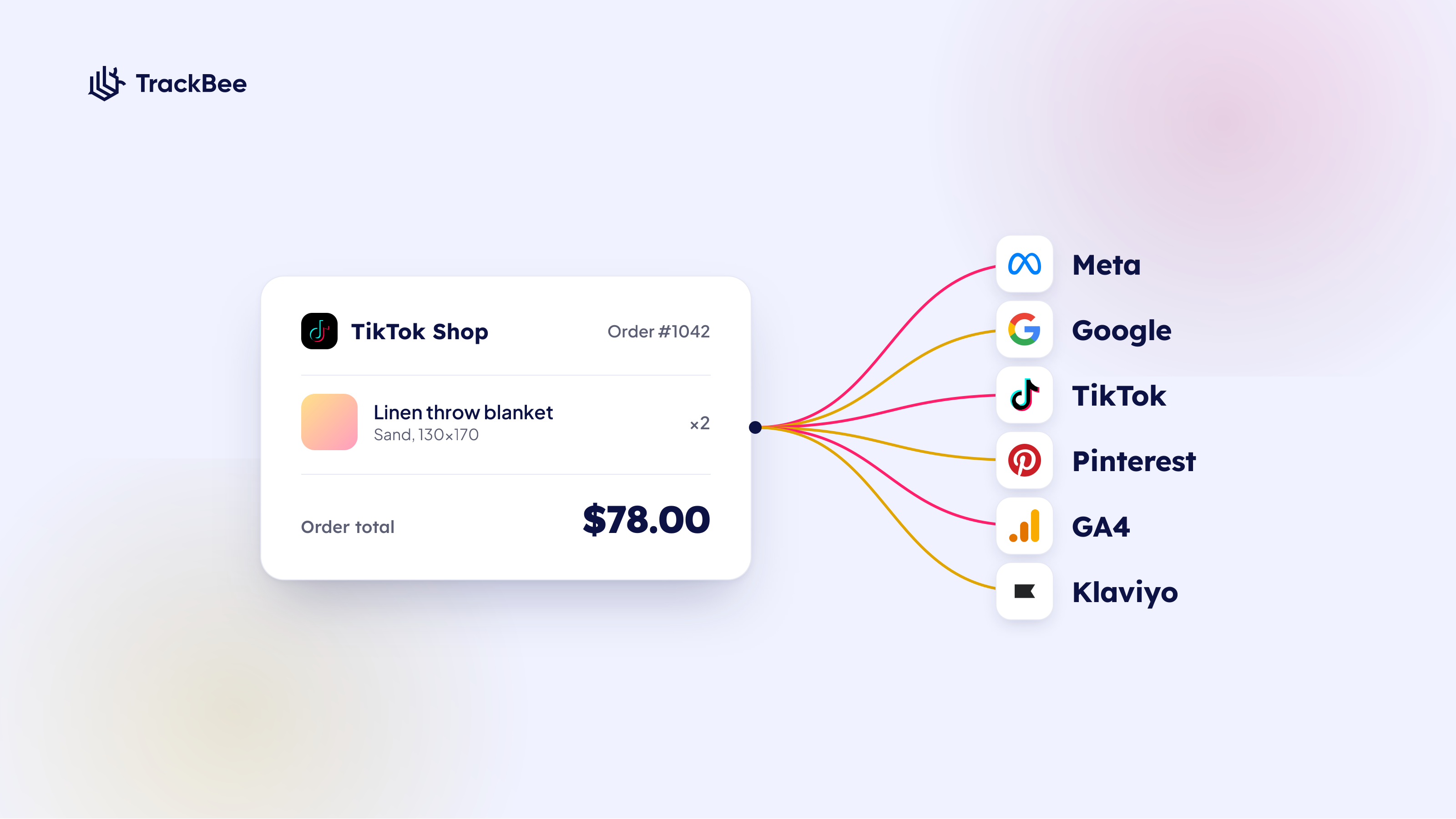


Short answer: TikTok Shop tracking is how you make orders placed inside TikTok Shop count everywhere they should. TrackBee captures each TikTok Shop order the moment it reaches Shopify and forwards it to your ad and analytics platforms with server-side tracking, so a sale that happened inside the app still trains Meta, Google, TikTok, Pinterest, GA4 and Klaviyo, just like a sale from your own storefront.
TikTok Shop has turned TikTok from a place where people discover products into a place where they buy them. For a lot of Shopify merchants, it is now a real revenue line, not an experiment. So you connect TikTok Shop to your Shopify store, orders start coming in, and everything looks fine.
Then you open Meta Ads Manager, or Google, or your reporting dashboard, and those TikTok Shop sales are nowhere to be found. The revenue is real and it is sitting in Shopify, but the platforms you use to actually grow the business have no idea it happened.
That gap is fixable. This guide explains where TikTok Shop orders go once they reach Shopify, why your ad platforms usually miss them, and how TrackBee sends every one of those orders server-side to all the platforms you run, so a TikTok Shop sale counts everywhere it should.
Why TikTok Shop tracking matters in 2026
TikTok Shop has gone from a novelty to one of the fastest-growing sales channels in e-commerce. Industry estimates put its global GMV on track to roughly double in 2026, with figures cited around 100 billion dollars and well over 15 million active sellers worldwide. The result is simple: more Shopify merchants are connecting TikTok Shop than ever before.
A growing share of that demand now comes from livestreams and from creator and affiliate posts, where shoppers tap and check out without ever touching your storefront. Every one of those orders still lands in Shopify, which is good news, but only if something picks them up and reports them to the platforms you optimise with. The bigger TikTok Shop gets for your store, the more it costs you to leave those orders out of your data.
What is TikTok Shop, and how does it connect to Shopify?
TikTok Shop is TikTok's native checkout, where shoppers buy products without leaving the app. When you connect it to Shopify through the TikTok sales channel, your TikTok Shop orders sync into Shopify and sit alongside your normal storefront orders, with the same products, inventory, and customer records.
So from Shopify's point of view, a TikTok Shop order is just an order. It shows up in your admin, it draws down the same inventory, and it counts toward your store revenue. The setup is well documented on Shopify's side: you add TikTok as a sales channel, link your TikTok Shop, and orders flow in automatically.
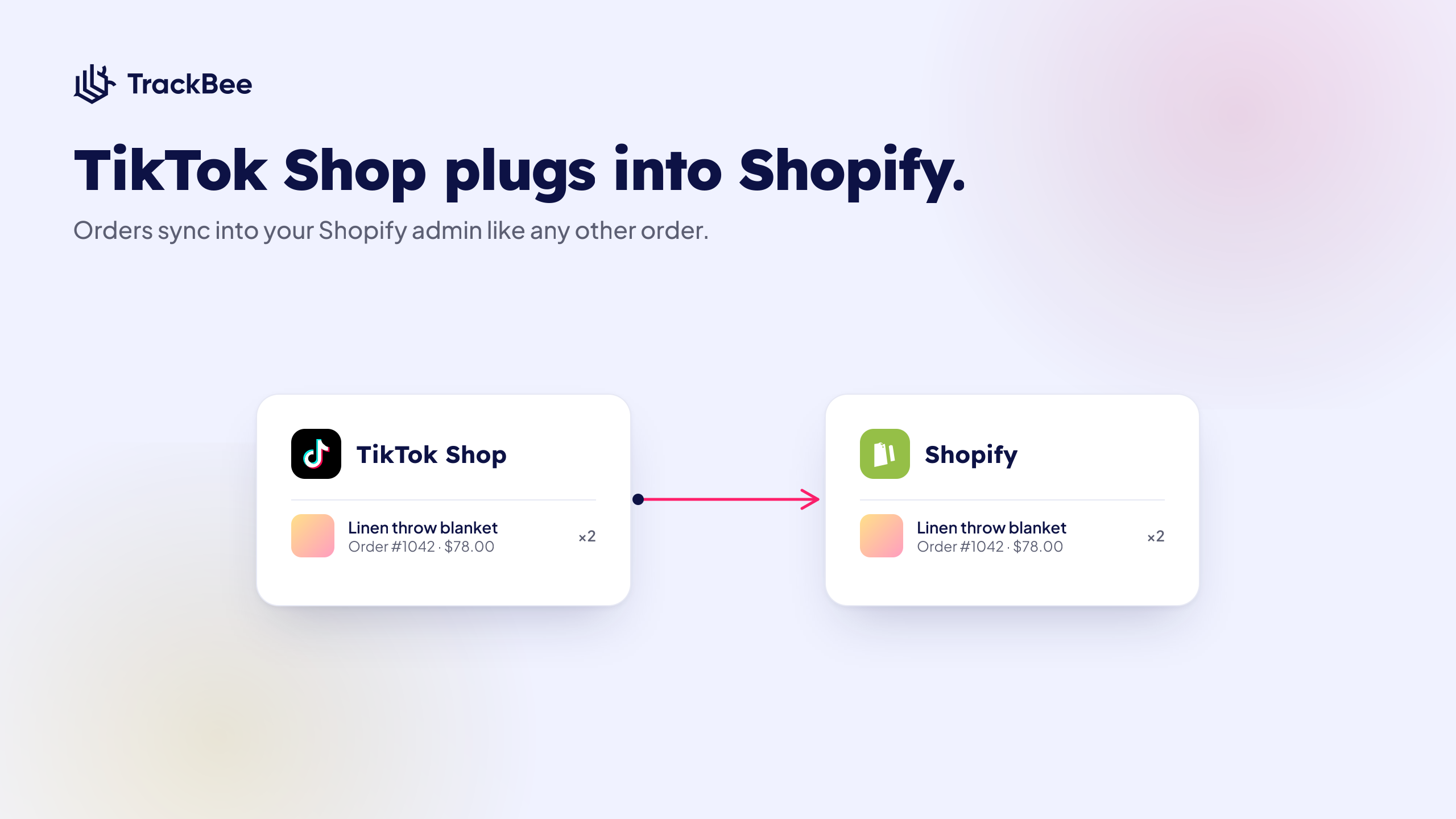
The important part for tracking is this: once a TikTok Shop order lands in Shopify, it becomes a data point your other tools can work with. The question is whether anything actually picks it up and passes it on.
The gap: why your TikTok Shop sales do not show in Meta, Google or GA4
By default, a TikTok Shop order that syncs into Shopify does not get reported to your ad platforms. Meta, Google, Pinterest, your GA4 property, and Klaviyo only learn about conversions that fire through their own tracking on your storefront. A purchase that happened inside the TikTok app never touched your storefront, so none of that tracking ever ran.
Here is why that happens. Browser pixels fire when someone loads a page on your Shopify storefront and completes checkout there. A TikTok Shop purchase skips your storefront entirely. The shopper saw a video, tapped to buy, and checked out inside TikTok. Your storefront pixels were never loaded, so there is no event for them to send.
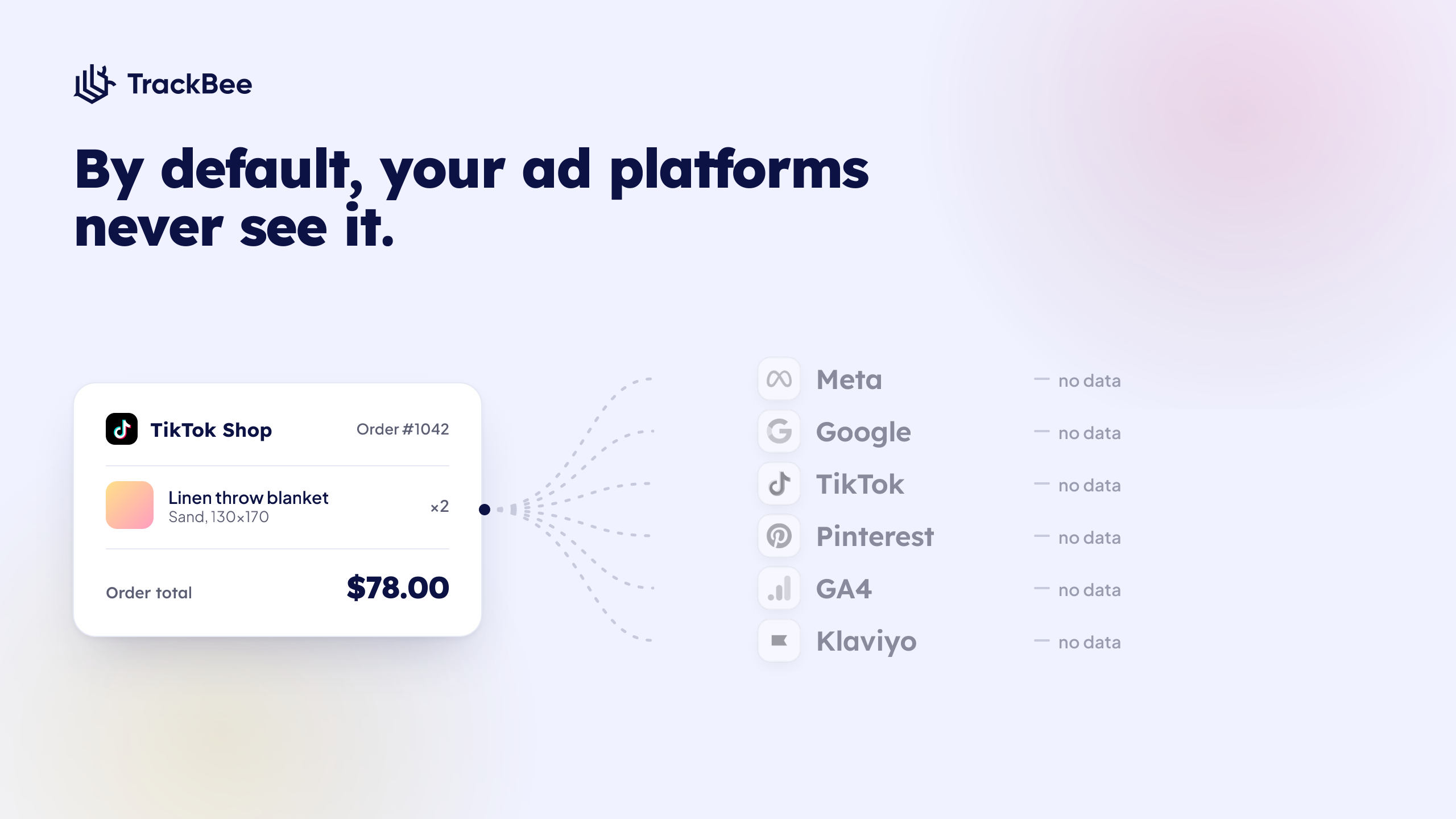
The result is a blind spot that grows with the channel:
- Meta and Google only see your storefront conversions, so TikTok Shop demand never trains their algorithms or feeds your lookalike audiences and broad targeting.
- Your ROAS, CAC, and MER are calculated on the revenue your ad platforms can see. Leave TikTok Shop sales out and every one of those numbers is off, and your attribution never lines up with what Shopify actually banked.
- Klaviyo never recognises these buyers, so a TikTok Shop customer can miss the post-purchase or winback flow they should have landed in, the same kind of blind spot that makes Klaviyo miss most cart abandoners.
- The more you sell through TikTok Shop, the bigger the hole in your reporting and the worse your optimisation gets, on exactly the channel you are trying to grow.
How TrackBee tracks your TikTok Shop orders
TrackBee captures every TikTok Shop order the moment it reaches Shopify, enriches it with first-party data, and sends it server-side to every ad platform you have connected. There is no pixel involved and no storefront visit required, because TrackBee reads the order from Shopify itself rather than from the browser.
This is the same server-side approach TrackBee already uses for your storefront sales, the one we cover in full in our complete server-side tracking guide for Shopify. Instead of depending on a tag firing in someone's browser, TrackBee works from the order record in Shopify, which means it does not care whether the purchase happened on your storefront or inside TikTok Shop. If the order is in Shopify, TrackBee can see it and forward it.
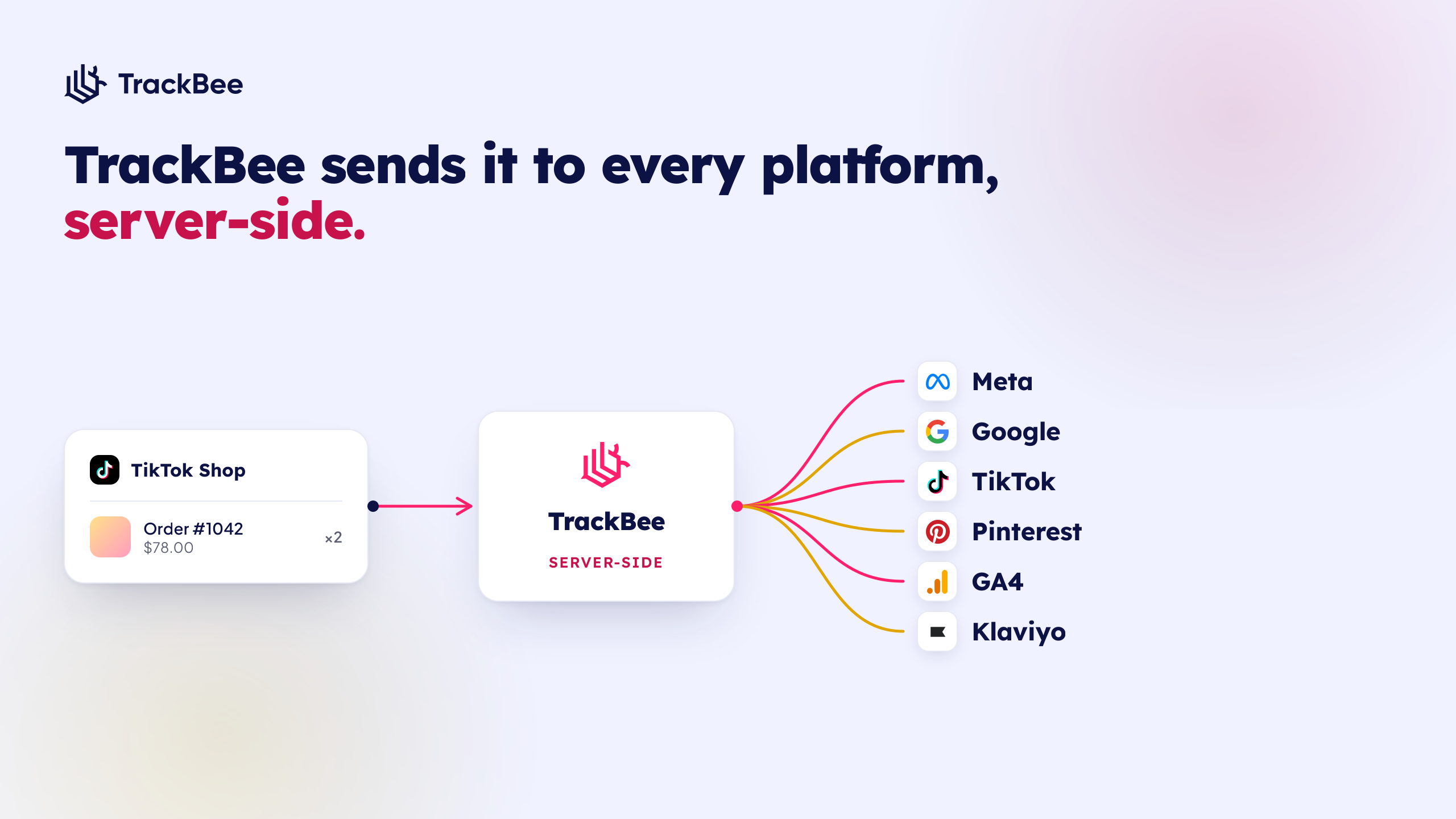
Three things happen for each TikTok Shop order:
- Capture. TrackBee picks up the order from Shopify as soon as it syncs in, with no extra configuration on your side.
- Enrich. TrackBee enriches it with first-party data, including hashed customer identifiers, product details, and order value, so the receiving platforms can match it to the right shopper and campaign.
- Forward. TrackBee sends the conversion server-side to each connected platform, using each platform's conversion API and built-in deduplication so nothing gets double counted.
Because it runs server-side, this delivery is not affected by ad blockers, iOS privacy settings, or consent banners, the same limitations that already cost storefront pixels a large share of conversions.
Why it matters: TikTok Shop sales as signal across your whole stack
When your TikTok Shop orders reach every platform, they stop being a siloed revenue line and start working as optimisation signal across your entire ad stack. That changes the quality of the decisions every platform makes for you.
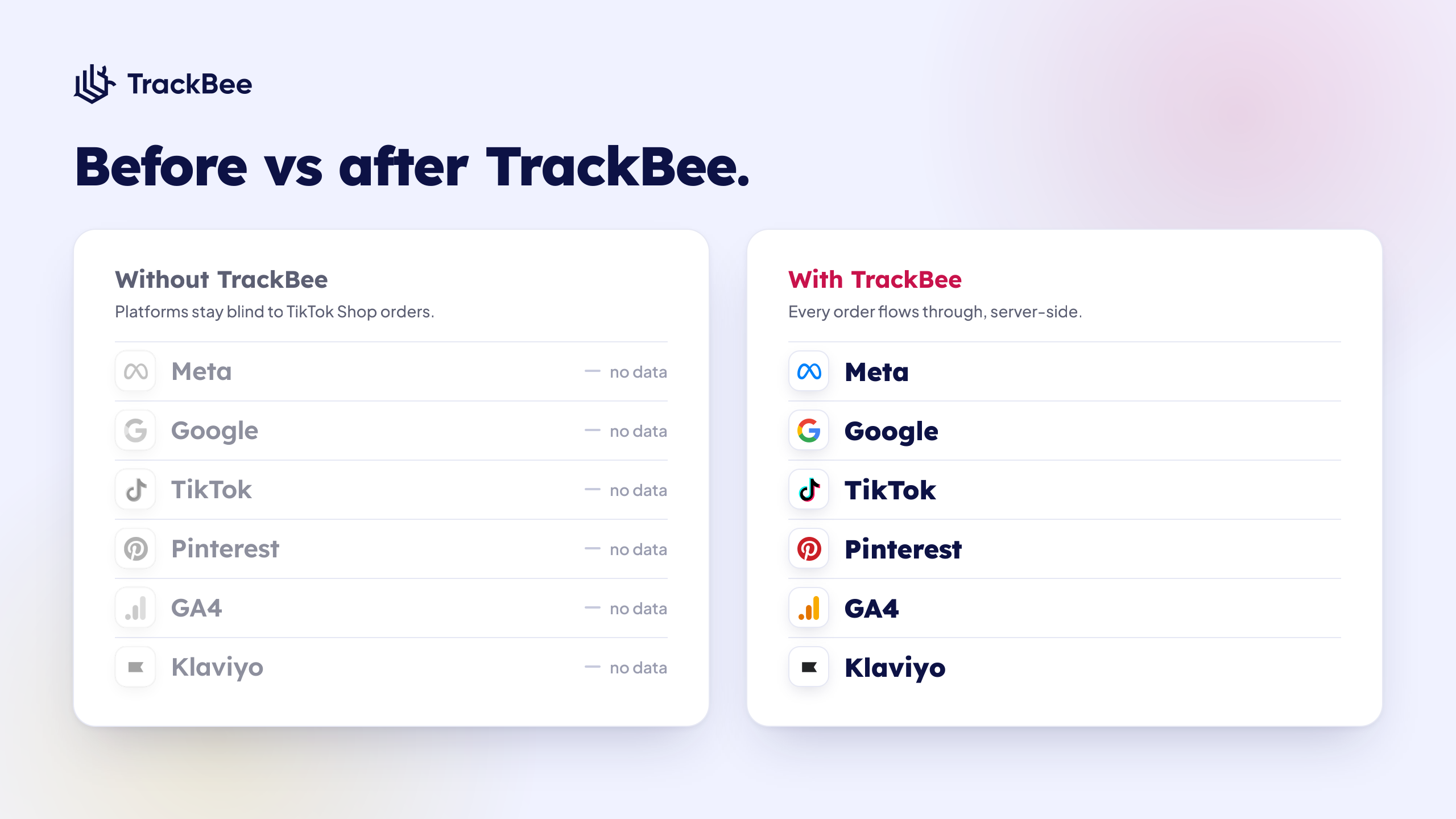
In practice that means:
- Meta and Google train on more complete conversion data, which sharpens targeting and lowers the cost of the conversions you actually want.
- Your ROAS and MER reflect what the business really did, not just what your storefront pixels happened to catch.
- Real TikTok Shop buyers can power your lookalike and retargeting audiences instead of staying invisible.
- TrackBee tells new vs returning customers apart, so you can optimise acquisition and retention separately, including for TikTok Shop demand.
- The channel you are investing in finally shows up in the tools you use to scale it.
What gets sent, and where
Every platform you have connected in TrackBee receives your TikTok Shop conversions: Meta, Google, TikTok, Pinterest, GA4 and Klaviyo. Each purchase is sent server-side and enriched with first-party data, so it counts toward campaign optimisation and reporting just like a sale from your own storefront.
A forwarded TikTok Shop purchase carries the signal each platform needs to match and value it:
- Hashed customer identifiers such as email and phone, for accurate matching
- Product and cart details
- Order value and currency
- A unique event ID so platforms running both a pixel and TrackBee count the conversion only once
Sending TikTok Shop conversions back into TikTok itself is useful too: it gives TikTok's own algorithm a cleaner, more complete picture of what is converting, which helps both your TikTok Ads and your TikTok Shop performance.
TikTok Shop tracking vs TikTok Shop analytics tools
It is worth being clear about what TikTok Shop tracking is not. Analytics tools, from the native TikTok Seller Center to dashboards like Glew or Conjura, help you read and report on TikTok Shop performance after the fact. They are about understanding what already happened.
TikTok Shop tracking with TrackBee is about something different: making sure the order itself reaches Meta, Google, TikTok, Pinterest, GA4 and Klaviyo as a usable conversion event, so those platforms can optimise on it while your campaigns are still running. You can run both, but a reporting dashboard will never feed your ad platforms the live conversion signal they need to spend smarter. That part is what server-side tracking does.
Setting it up
TikTok Shop tracking works automatically once TikTok Shop is connected to your Shopify store and TrackBee is installed. There is no separate integration to build and no code to maintain. New TikTok Shop orders start flowing to your connected platforms straight away.
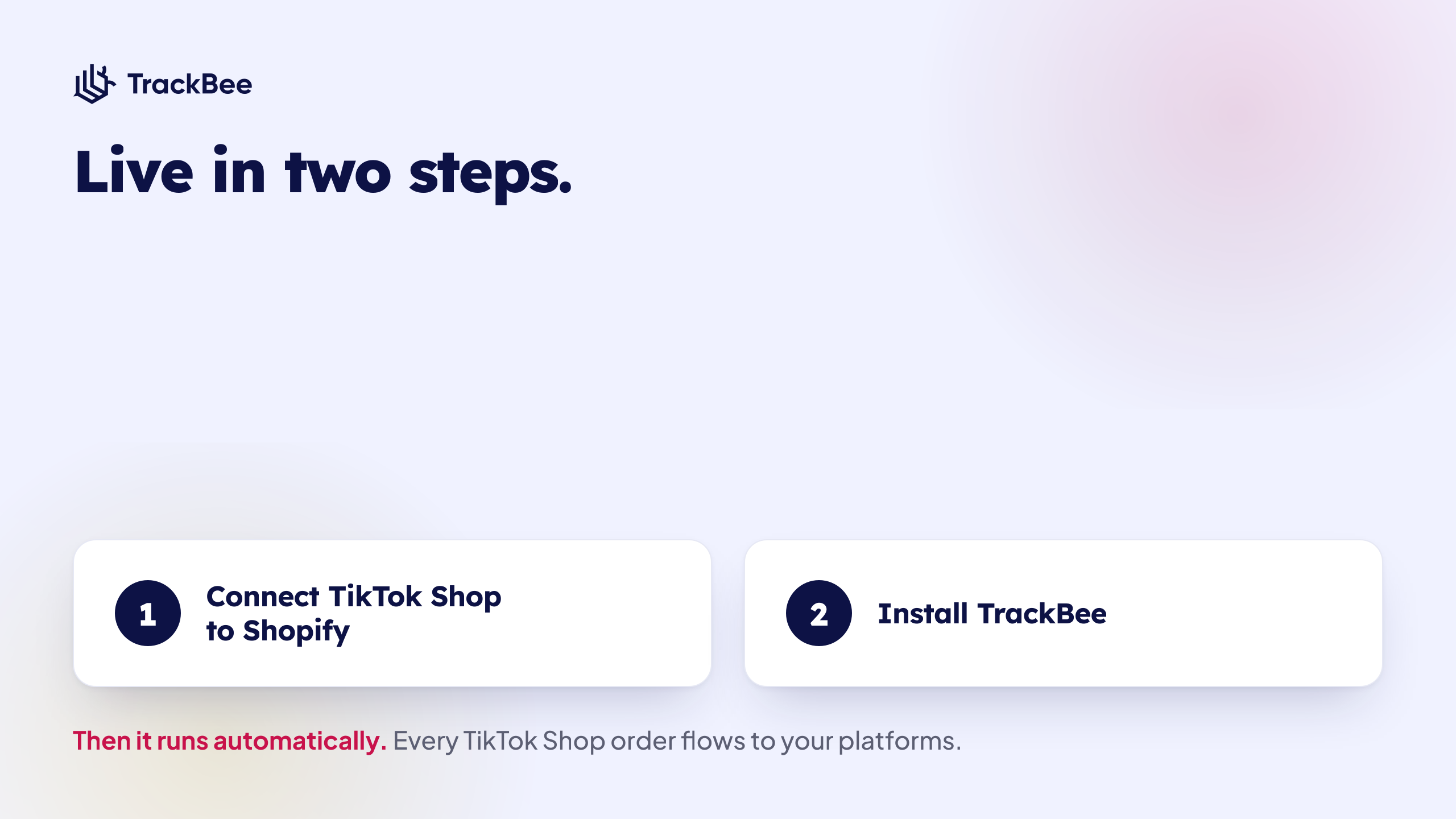
The full setup is just two pieces you may already have:
- Connect TikTok Shop to Shopify through the TikTok sales channel, so orders sync into your Shopify admin.
- Install TrackBee and connect the ad platforms you want to receive data, which most stores complete in about five minutes.
From there it runs on its own. As TikTok Shop orders come in, TrackBee captures, enriches, and forwards them without any further action.
TikTok Shop tracking vs TikTok Ads tracking
These solve two different problems, and most merchants want both. TikTok Shop tracking makes sure orders placed inside TikTok Shop reach all your platforms. TikTok Ads tracking makes sure conversions on your own storefront, driven by your TikTok ads, reach TikTok reliably despite browser and privacy limits.
If you run TikTok ads that send people to your Shopify storefront, the server-side TikTok Events API is what recovers the conversions your TikTok pixel misses. That is covered in detail in our TikTok Events API for Shopify setup guide. TrackBee handles both sides from the same install, so whether a sale happens on your storefront or inside TikTok Shop, it ends up where it should.
You can see the full picture on the TikTok integration page.
Frequently asked questions
Does TrackBee track TikTok Shop orders on Shopify?
Yes. When you connect TikTok Shop to your Shopify store through the TikTok sales channel, those TikTok Shop orders flow into Shopify like any other order. TrackBee picks them up automatically and sends the conversion events server-side to every ad platform you have connected, so your TikTok Shop sales become usable optimisation signal across your whole stack, not just inside TikTok.
Does TikTok Shop sync sales with Shopify?
Yes. Once you connect TikTok Shop through the TikTok sales channel, orders placed in TikTok Shop sync into your Shopify admin automatically, with the same products, inventory and customer records as your storefront orders. What does not happen automatically is those orders being reported to your ad platforms, which is the gap TrackBee closes.
Why don't my TikTok Shop sales show in Meta Ads Manager?
Because the purchase happened inside the TikTok app and never loaded your Shopify storefront, so your Meta Pixel never fired for it. Meta only sees what its own tracking reports from your storefront. TrackBee fixes this by reading the order from Shopify and sending it to Meta server-side through the Conversions API, so the sale shows up and counts toward optimisation.
Can I track TikTok Shop ROAS?
Only once those orders reach the platforms where you measure ROAS. As long as TikTok Shop sales stay trapped in Shopify, your ROAS, CAC and MER are calculated on incomplete revenue. TrackBee forwards every TikTok Shop order to your connected platforms so the spend and the revenue line up and your efficiency metrics reflect reality.
Which platforms receive my TikTok Shop conversions?
Every platform you have connected in TrackBee: Meta, Google, TikTok, Pinterest, GA4 and Klaviyo. A TikTok Shop purchase is forwarded server-side to each of them and enriched with first-party data, so it counts toward campaign optimisation and reporting just like a purchase from your own Shopify storefront.
Does this work for livestream and creator or affiliate orders?
Yes. It does not matter how the TikTok Shop order was generated, whether from a livestream, a creator video, an affiliate post or a product showcase. As long as the order syncs into Shopify, TrackBee captures it and forwards it to your connected platforms exactly the same way.
Do I need to set anything up for TikTok Shop tracking?
No extra setup. As long as TikTok Shop is connected to your Shopify store and TrackBee is installed, TikTok Shop orders are tracked and forwarded automatically. There is no separate integration to build and no code to maintain.
Will this cause duplicate conversions?
No. TrackBee includes a unique event ID with every event and relies on each platform's built-in deduplication. If both your existing pixel and TrackBee report the same conversion, the platform counts it only once, so you can run both safely.
Does TrackBee separate new vs returning customers for TikTok Shop?
Yes. TrackBee uses your Shopify customer history to identify first-time versus repeat buyers and can send that distinction to your platforms, so you can optimise acquisition and retention separately, including for demand coming from TikTok Shop.
Ready to count every TikTok Shop sale?
TrackBee installs in minutes, no developer needed, and starts forwarding your TikTok Shop orders to every connected platform straight away. Book a free demo, or learn more about try TrackBee for free.


.png)


